Your Ultimate Guide to Network Cables
Mastering Network Cable Selection and Installation
Explore comprehensive resources to help you choose, install, and maintain network cables for optimal performance in any setup.
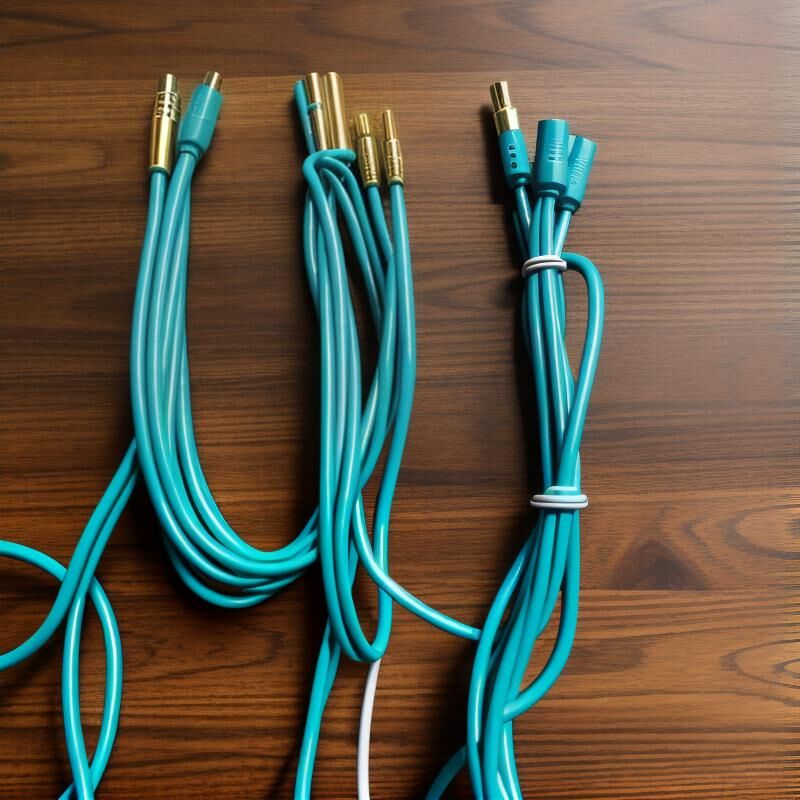
Latest Insights on Network Cables
Network Cables FAQ
Discover answers to common questions about network cables, from selection to installation and maintenance.
What are the different types of network cables?
Network cables come in various types including Ethernet cables (Cat5, Cat6, Cat7), fiber optic cables, and coaxial cables, each suited for different networking needs.
How do I choose the right network cable for my setup?
Consider factors such as data transfer speed, distance, and environment when selecting a network cable to ensure compatibility and performance.
What is the difference between Cat5, Cat6, and Cat7 cables?
Cat5 cables support speeds up to 100 Mbps, Cat6 up to 1 Gbps, and Cat7 up to 10 Gbps, with each subsequent category offering better shielding and reduced interference.
How do I properly install network cables?
Ensure cables are not bent sharply, use cable management tools to organize them, and follow the manufacturer’s guidelines for installation.
What maintenance do network cables require?
Regularly check for physical damage, ensure connections are secure, and replace cables that show signs of wear or damage to maintain optimal performance.
Can I use network cables outdoors?
Yes, but it’s important to use cables specifically designed for outdoor use, which are UV-resistant and waterproof to withstand environmental conditions.
Essential Tips for Network Optimization
Ensuring your network setup is running at peak performance requires attention to detail and regular maintenance. For beginners, it’s crucial to start with high-quality cables that match your specific needs, such as Cat6 or Cat7 for higher speeds and bandwidth. Always label your cables to avoid confusion and ensure they are not bent or twisted excessively to prevent signal loss. For professionals, consider using a cable management system to keep everything organized and invest in tools like cable testers to quickly diagnose issues. Regularly check connections and replace any damaged cables to maintain optimal performance.
Additional Learning Resources
Guides and Tools
In-Depth Articles
Installing Network Cables: A Step-by-Step Guide
Maintaining Your Network: Tips and Tricks
Troubleshooting Common Network Cable Issues
Stay Updated with the Latest in Network Cables
Join our community to receive the latest articles, guides, and tips on network cables directly to your inbox. Stay informed and ensure your network setup is always performing at its best.